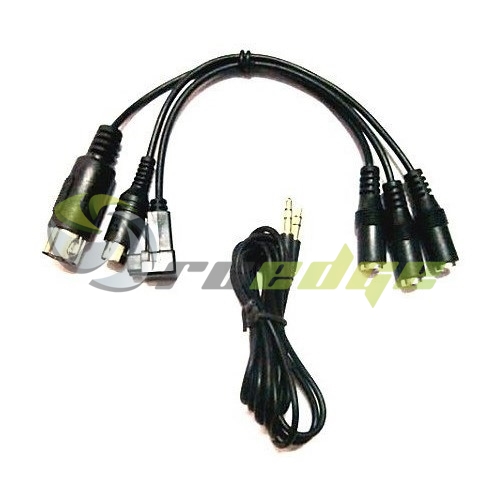

Flight Simulator 6 in 1 Cable
ArrayFlight Simulator 6 in 1 Cable
Please note you will need an Aux cable to connect to PC for Simulator.
How to setup for simulator
1 Download and install the following: http://vjoystick.sourceforge.net/site/index.php/download-a-install/72-download
2 Download and install the following: http://www.smartpropoplus.com/site/index.php/download
3 Download and install the following: https://fpv-freerider.itch.io/fpv-freerider
4 Open Smart Propoplus and Plug needed cable into Radio and make sure Radio is turned on.
(If you have a turnigy/Flysky 9X or Taranus... i will suggest you add a training model on your radio for simulator to avoid adjusting your quadcopter settings)
5 Go to audio setting and select the MIC/input Tab and set the quality from DVD to CD Quality
6 Minimize Smartpropoplus (Do not close as program is needed to run in the background)
7 Open Simulator and Calibrate Radio
8 Enjoy Practicing where crashes does not cost you a cent out of your pocket.